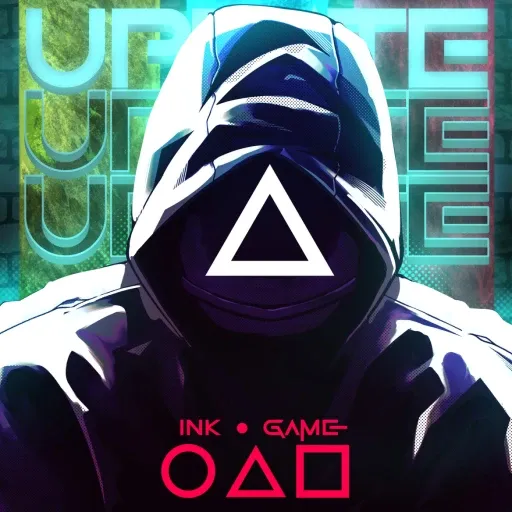
Ink Game
by Community
Obby But Youre On A Bike

Space Waves

Retro Bowl

Red Ball 4

Just One Boss

Volley Random
Steal Brainrot Duel
The Impossible Quiz
Tanuki Sunset

Blumgi Ball
Asteroids

Rainbow Friends Return
Super Hexagon 3D
Plants vs Zombies
Pac Man
Geometry Escape

Snowball.io

Sudoku
Idle Breakout

Ovo
Crazy Cattle 3d Pro

Spider Dude Parkour

Learn To Fly Idle

Stack Fire Ball
Duck Life 5

Jetpack Joyride

Tap Tap Shots

Papas Pizzeria
2048

Doge Miner

Poppy Playtime

Subway Surfers
Browse by Category
You Might Also Like




About Ink Game
Creative ink-based puzzlesProgressively challenging levelsFreeform drawing mechanicsVibrant hand-drawn art style
How to Play Ink Game
Controls
Frequently Asked Questions
How many levels does Ink Game have?
Ink Game features a variety of increasingly challenging levels that progressively test your creativity and problem-solving skills. The levels are designed to keep gameplay fresh by introducing new obstacles and puzzles as you advance.
What are the best strategies for solving difficult levels in Ink Game?
Focus on planning your ink paths before drawing, as efficient lines are key to solving trickier puzzles. Use the right-click erase or undo feature to experiment freely without penalty, and look for ways to connect obstacles creatively rather than drawing the most obvious path.
Can you play Ink Game with a touchscreen or do you need a mouse?
Ink Game is primarily designed around mouse controls, using left-click and drag to draw ink trails and right-click to erase. Touchscreen support may be limited, so a mouse or trackpad is recommended for the best drawing experience.
How can I play Ink Game for free?
You can play Ink Game for free right here on GlorpMath. No downloads, sign-ups, or payments required. Just click play and start having fun instantly!
Does Ink Game work on school Chromebooks?
Yes! Ink Game runs directly in your browser and works great on Chromebooks, laptops, tablets, and phones. No installation needed.
Is Ink Game unblocked?
GlorpMath hosts Ink Game directly on our servers, making it accessible from most school and work networks. Just visit GlorpMath and start playing!