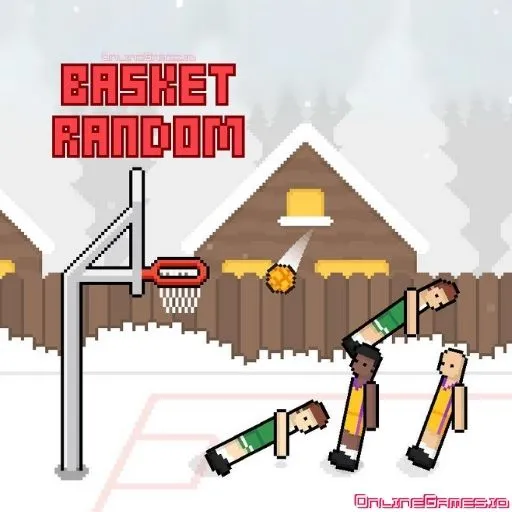
Basket Random
by RHM Interactive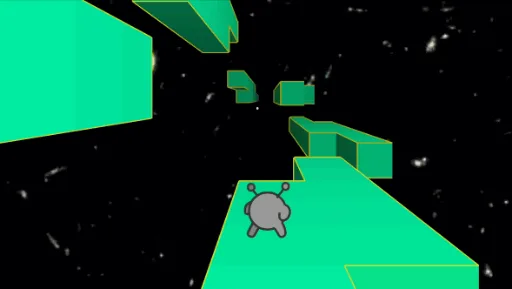
Run 2

Snek Io

Papas Tacomia

Just One Boss

Real Flight Simulator
Helix Jump
Slope
Grow A Garden

Super Star Car

Snake
Funny Shooter 2

Retro Bowl

Drift Hunters Pro

Friday Night Funkin
Froppy.io

Space Waves

Doodle Jump
Papas Scooperia

Papa Louie 2 When Burgers Attack

Learn 2 Fly 2
Pac Man

BitLife

Doge Miner

Monkey Mart

Rooftop Snipers

Papas Hot Doggeria

Tap Tap Shots

Velocity Rush

Blumgi Slime
Chess
Drive Mad

Drift King
Browse by Category
You Might Also Like
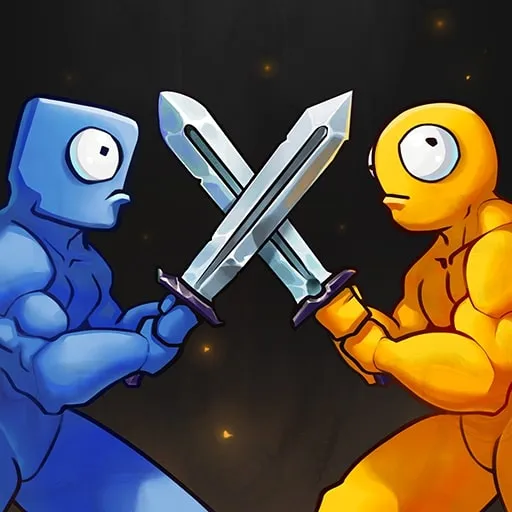






About Basket Random
Ragdoll physics chaosLocal 2-player versus modeRandom court variationsQuick 5-point matches
How to Play Basket Random
Controls
Frequently Asked Questions
Can you play Basket Random with 2 players?
Yes! Basket Random has a local multiplayer mode where two players can compete on the same device. Player 1 uses the W key to jump and shoot, while Player 2 uses the Up arrow key.
What are the best strategies for winning in Basket Random?
Since Basket Random uses unpredictable ragdoll physics, timing your jumps carefully is more important than spamming the button. Try to press your key when your player is well-positioned near the basket, and remember that patience and rhythm will outperform frantic button mashing.
How do the controls work in Basket Random?
Basket Random uses a simple one-button control system — press W or the Up arrow key to make your player jump and attempt a shot. In single-player mode either key works, but in multiplayer mode Player 1 is assigned W and Player 2 is assigned the Up arrow.
How can I play Basket Random for free?
You can play Basket Random for free right here on GlorpMath. No downloads, sign-ups, or payments required. Just click play and start having fun instantly!
Does Basket Random work on school Chromebooks?
Yes! Basket Random runs directly in your browser and works great on Chromebooks, laptops, tablets, and phones. No installation needed.
Is Basket Random unblocked?
GlorpMath hosts Basket Random directly on our servers, making it accessible from most school and work networks. Just visit GlorpMath and start playing!