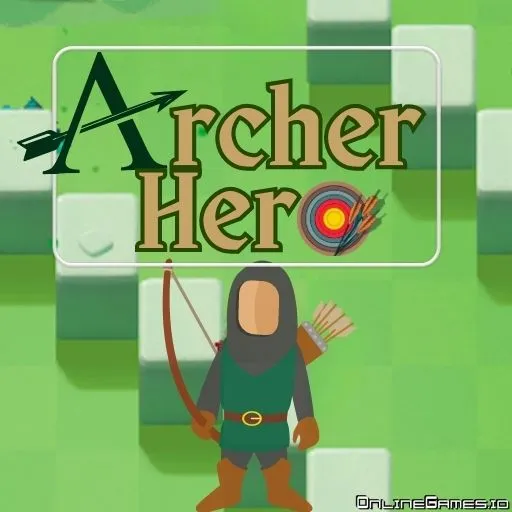
Archer Hero
by Community
Stack Fire Ball

Super Liquid Soccer

Swords And Souls

Snake
Mini Zombie Shooters

Basketball Stars

Five Nights At Freddys 2

Infiltrating The Airship

Fruit Ninja

Learn 2 Fly 2

Moto X3M 2

Super Mario Bros
Chrome Dino

Fireboy and Watergirl
Steal Brainrot Duel

Gun Spin

Crazy Cattle 3d Pro
Vex 3

Rainbow Friends Return

Moto X3M Spooky Land

Tiny Fishing

Crazy Cars

Pizza Tower

Run 3

Time Shooter 2
Volley Random

Bloonstd 5

Drive Mad

Papas Pancakeria

Fleeing The Complex

Moto X3M Pool Party
Scooby-Doo! Creepy Run
Browse by Category
You Might Also Like






About Archer Hero
Progressive enemy difficultyPhysics-based arrow trajectoryMedieval action combatPrecision target challenges
How to Play Archer Hero
Controls
Frequently Asked Questions
How do you control arrow power in Archer Hero?
To control arrow power in Archer Hero, click and hold your mouse button to draw the bow, then drag to adjust both the trajectory angle and shot strength before releasing to fire. The longer you hold and the further you drag, the more power your shot will have, so practice finding the right balance for each target distance.
What are the best strategies for improving accuracy in Archer Hero?
Focus on accounting for distance and angle before each shot, as arrows follow a realistic arc that requires you to aim slightly higher for farther targets. Use the hold-and-drag mechanic carefully to fine-tune your power, and try to stay mobile with WASD movement to avoid enemy attacks while lining up your shots.
Is Archer Hero a 2D or 3D game?
Archer Hero features 3D graphics and three-dimensional environments, giving each shot a realistic and immersive feel compared to traditional flat archery games. Despite being a browser-based game, it delivers visually engaging 3D scenarios across its levels.
How can I play Archer Hero for free?
You can play Archer Hero for free right here on GlorpMath. No downloads, sign-ups, or payments required. Just click play and start having fun instantly!
Does Archer Hero work on school Chromebooks?
Yes! Archer Hero runs directly in your browser and works great on Chromebooks, laptops, tablets, and phones. No installation needed.
Is Archer Hero unblocked?
GlorpMath hosts Archer Hero directly on our servers, making it accessible from most school and work networks. Just visit GlorpMath and start playing!