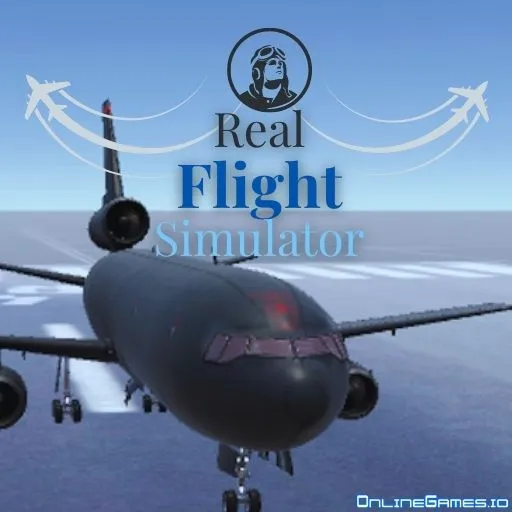
Real Flight Simulator
by FreezeNova
Subway Surfers
Deadly Descent

Ultimate Flash Sonic

Ragdoll Hit
Survival Karts

Crazy Cars

Pizza Tower

Helix Jump

Temple Run 2

Soccer Random

Madalin Stunt Cars 2
Geometry Dash

Raft Wars 2

Bob the Robber

Fruit Ninja

Basketball Stars

ULTRAKILL

Drift Boss

Tomodachi Collection
Slope Plus
Tomb of the Mask

Stickman Parkour

Tap Tap Shots

Critter Game
Time Shooter 3
Getaway Shootout
Wheelie Bike

Moto X3m

Eagle Craft
Run 1
Bit Planes

Alien Hominid
Browse by Category
You Might Also Like






About Real Flight Simulator
Five flyable military jets — A-10, A-29, F-35, KC-10, M-262 — each with distinct handlingUnity WebGL 3D engine with real free-look camera and physics-driven flight modelMultiple maps including sunset runway, ocean approach, and base camp scenariosMouse-and-keyboard or full-keyboard control schemesNo download, no plugin, no account — instant-load in any modern browserStealth-safe build with all FreezeNova ad SDKs and Unity telemetry strippedPlays unblocked on Chromebooks, laptops, and tablets
How to Play Real Flight Simulator
Controls
Frequently Asked Questions
What is Real Flight Simulator and who made it?
Real Flight Simulator is a free browser flight game made by FreezeNova, built in Unity (WebGL/asm.js). You pick one of five military jets — A-10, A-29, F-35, KC-10, M-262 — and fly them across 3D terrain with realistic aerodynamic physics. There is no campaign or score — it is a free-flight sandbox. The game runs natively in any modern browser, no plugins or downloads required.
Is this a real flight simulator or an arcade plane game?
It sits between the two. The physics are real enough that stalls happen, banking matters, and landings take practice. But it is not a serious sim like X-Plane or DCS — there is no instrument panel to fiddle with, no realistic weapon systems, no air traffic control. The closest comparison is something like a stripped-down GeoFS — serious enough to feel like flying, casual enough to fire up between classes.
Which jet should I start with?
The A-10 Warthog. It has wide wings, a slow stall speed, and forgiving handling — easiest takeoffs and easiest landings of the five. Once you can reliably take off and land the A-10, move to the F-35 (tighter, faster, less forgiving) or the KC-10 (heavy, slow, lands like a refrigerator). The M-262 and A-29 are middle of the pack.
Can I play Real Flight Simulator on a school Chromebook?
Yes. The Unity WebGL build runs in any modern browser with no plugin or installer. About 30 MB of game data loads on first visit then caches. GlorpMath ships a stealth-hardened version with all FreezeNova ad SDKs and Unity Analytics telemetry stripped — zero external calls during gameplay. Use the Access Links page if the main domain is blocked.
How can I play Real Flight Simulator for free?
You can play Real Flight Simulator for free right here on GlorpMath. No downloads, sign-ups, or payments required. Just click play and start having fun instantly!
Does Real Flight Simulator work on school Chromebooks?
Yes! Real Flight Simulator runs directly in your browser and works great on Chromebooks, laptops, tablets, and phones. No installation needed.
Is Real Flight Simulator unblocked?
GlorpMath hosts Real Flight Simulator directly on our servers, making it accessible from most school and work networks. Just visit GlorpMath and start playing!